
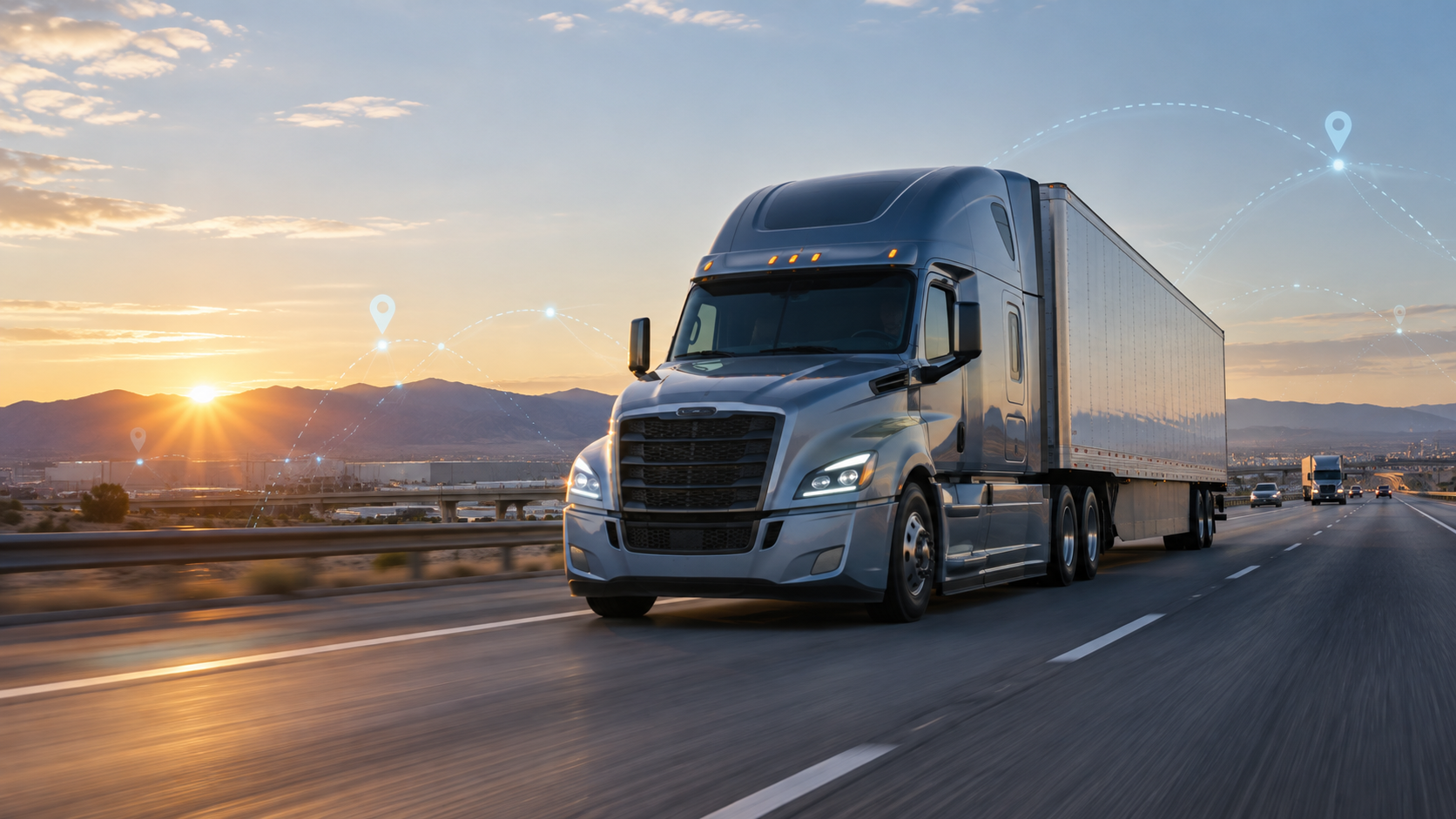
For many American truckers, the cab is no longer just a place to drive. It is a mobile office, a communications center, a navigation station, and a rolling record of the workday. A driver may use several connected tools before the truck leaves the yard: an electronic logging device, a truck-specific navigation app, a dispatch platform, a dash camera, and a telematics system tied to the engine.
These tools can make a difficult job safer and more predictable. They can also create new pressure when alerts, messages, and screens compete for attention. The best results come when technology supports a driver's judgment instead of distracting from it. Here is how the most useful systems fit into a modern trucking day in the United States.
The Modern Truck Cab Is a Connected Workplace
A typical over-the-road driver has to manage much more than the steering wheel. The day can include route planning, fuel stops, customer appointments, inspection notes, bills of lading, weather changes, parking decisions, and communication with dispatch. Our guide to what a truck driver does every day shows how quickly these responsibilities stack up.
Connected technology brings many of those tasks onto one or two screens. Dispatch can send a load assignment electronically. A navigation system can build a route for a commercial vehicle. An ELD tracks driving time. Telematics can report a fault code before a small mechanical issue turns into roadside downtime. When these systems share accurate information, the driver spends less time repeating details over the phone.
However, a connected cab still needs a clear hierarchy. Driving comes first. Alerts that do not require an immediate response should wait until the truck is safely parked. Screens should be mounted where they do not block the road, and controls should be set before the vehicle starts moving.
ELDs Put the Clock at the Center of Trip Planning
The electronic logging device is one of the most important pieces of technology in a commercial truck. According to the Federal Motor Carrier Safety Administration, an ELD synchronizes with the vehicle's engine and automatically records driving time. It is designed to help drivers and carriers manage records of duty status more accurately.
That automatic record changes the way a trip is planned. A driver needs to consider not only distance, but also available driving time, traffic, fuel, a delivery window, and the chance of finding legal parking near the end of the shift. A route that looks fast on a map may become a bad plan if it leaves no room for a delay at a shipper or receiver.
The ELD also records information such as engine power status, vehicle motion, miles driven, and engine hours. Drivers still review and certify their records, and they should understand how their particular device handles annotations, edits, inspections, and data transfer. FMCSA advises carriers and drivers to use a device on its registered ELD list and to receive training on that system.
Truck-Specific Navigation Prevents Expensive Mistakes
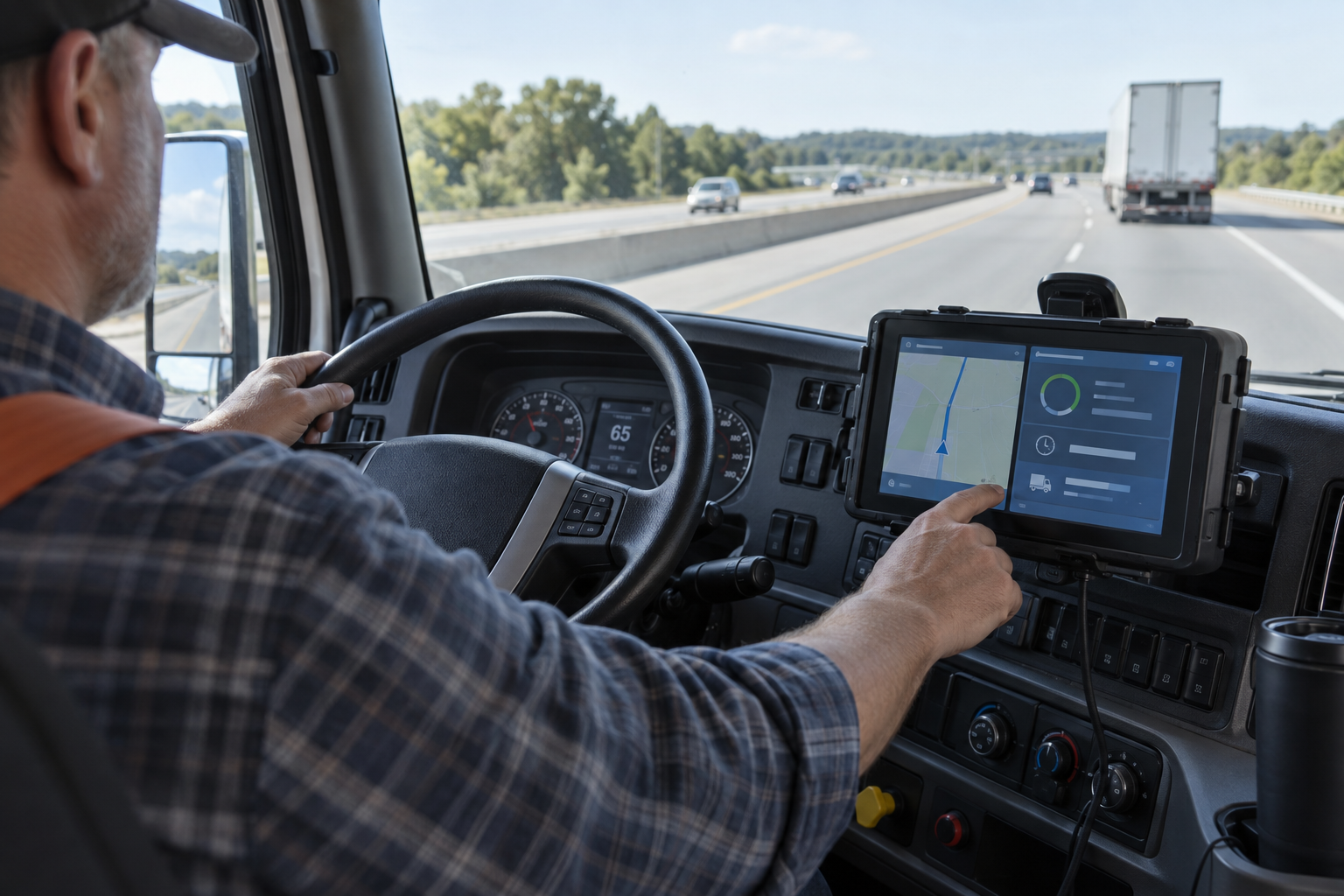
A route that works for a car may be unsafe or illegal for a tractor-trailer. Commercial navigation systems can account for vehicle height, weight, length, axle limits, hazardous-material restrictions, and roads that prohibit trucks. That makes them far more useful than a standard phone map for daily route planning.
Good truck navigation can help a driver avoid low bridges, tight residential streets, and last-minute lane changes near a complicated interchange. It can also show truck stops, weigh stations, service locations, and possible parking areas. Traffic and weather data add another layer, especially on long interstate runs.
Navigation is still a planning aid, not final authority. Road signs, temporary closures, construction detours, and instructions from law enforcement take priority. Experienced drivers compare the proposed route with the customer's directions, current restrictions, and a second reliable source when the road looks questionable. For a new driver, that habit belongs alongside the other fundamentals in our guide for starting a trucking career.
Telematics Turns Vehicle Data Into Early Warnings
Telematics connects information from the truck with fleet software. Depending on the system, a carrier may see location, fuel use, idle time, speed trends, engine fault codes, and maintenance data. A driver or maintenance manager can sometimes spot a developing problem before it causes a breakdown.
For example, an engine alert can be sent to the shop while the truck is still moving. The maintenance team can decide whether the vehicle should stop immediately, visit a nearby service location, or return to the terminal after the load. That faster decision can protect the equipment and reduce uncertainty for the driver.
Fuel and idle reports can also reveal patterns that are difficult to notice on a single trip. Used fairly, the data can help a fleet improve routes, reduce unnecessary idling, and schedule maintenance based on how the truck is actually used. Drivers should know which information is collected, who can see it, how long it is stored, and how the company uses it in coaching or performance reviews.
Dash Cameras Can Add Context When Fleets Use Them Responsibly
Road-facing cameras record what happens around the truck. In a crash or close call, footage can provide context that memory, a short police report, or a single witness may miss. It can show traffic signals, lane position, road conditions, and the actions of nearby vehicles.
Some fleets also use driver-facing cameras that activate after events such as hard braking or a sudden lane movement. These systems can support coaching, but they raise reasonable questions about privacy. A clear camera policy should explain when recording occurs, what triggers a review, who has access, and when footage is deleted.
A camera program works best when it focuses on specific safety events and treats video as evidence to understand, not a shortcut to blame. Drivers should also know how to preserve relevant footage after an incident and whom to contact if a camera or alert system behaves incorrectly.
Driver-Assistance Systems Are Becoming a Second Set of Eyes
Many newer trucks offer advanced driver-assistance systems. Common features include forward-collision warnings, automatic emergency braking, lane-departure warnings, blind-spot alerts, adaptive cruise control, and lane-centering support. FMCSA's Tech-Celerate Now program groups these technologies around braking, warning, steering, and monitoring functions for commercial vehicles.
These systems can notice a closing gap or a vehicle beside the trailer and warn the driver quickly. That extra warning may be valuable during heavy traffic, poor visibility, or a long night run. Automatic braking may also reduce impact speed when a collision cannot be avoided.
No assistance system eliminates the need for space, mirror checks, speed control, and attention. Sensors can be affected by dirt, snow, road geometry, faded markings, or unusual traffic situations. A driver should know what each alert means, where the sensors are located, and how the system behaves when it cannot read the road. Technology can add a margin of safety, but the driver remains responsible for the truck.
Parking Technology Helps Drivers Plan the End of the Day
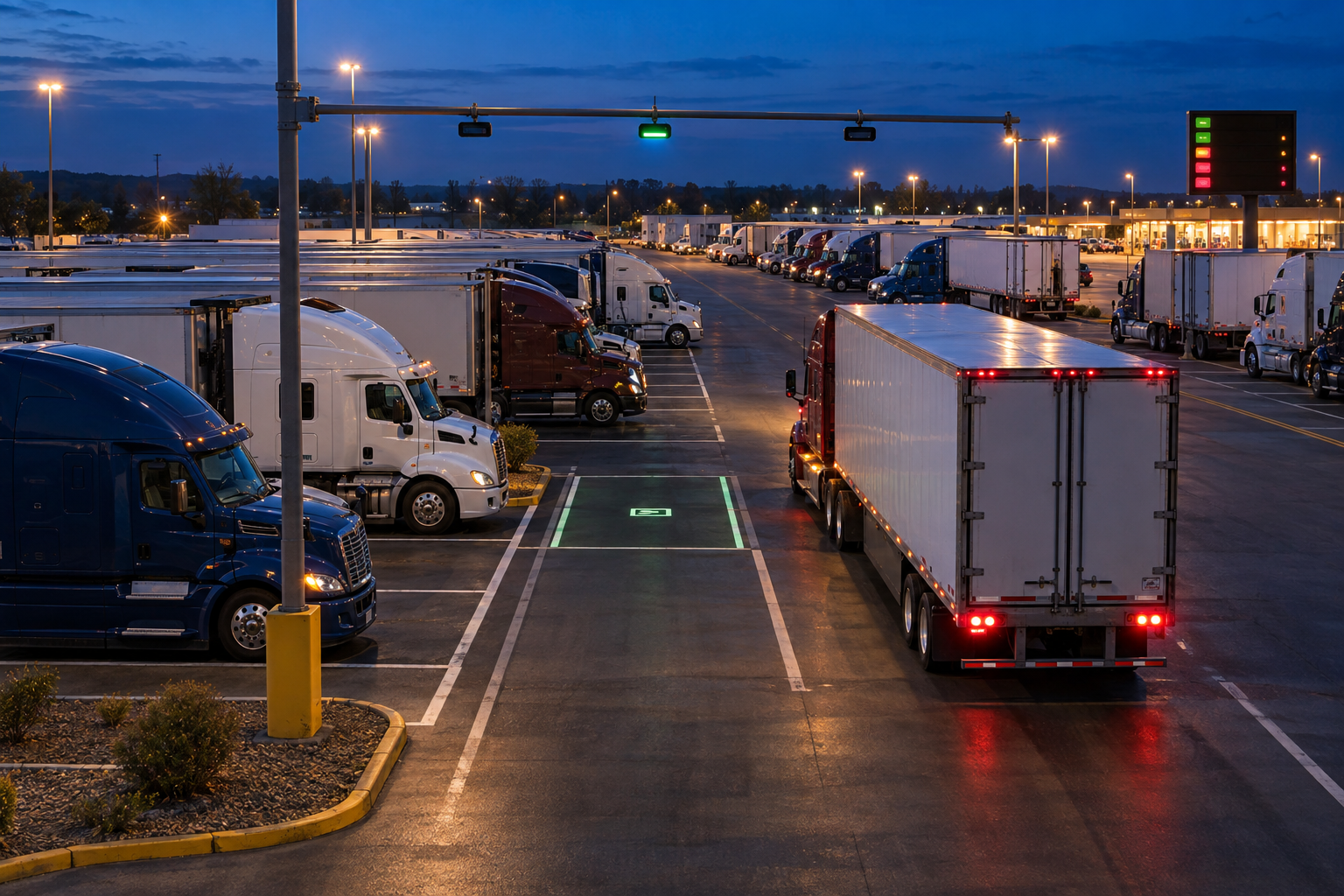
Finding a safe truck parking space can be one of the hardest parts of an over-the-road shift. Waiting until the last few minutes on the clock creates pressure and may force a driver to check several full locations. Parking information systems aim to make that decision earlier.
Truck Parking Information Management Systems use sensors or other detection methods to estimate available spaces. The information can be sent to roadside signs, state 511 services, websites, and compatible navigation platforms. A U.S. Department of Transportation project report describes this flow from parking-area detection to services that deliver availability information to drivers.
Availability data is most useful as a planning signal. A reported space may be taken before the truck arrives, and not every facility has live coverage. Drivers can improve their odds by choosing a primary stop and at least one backup, checking early, and considering whether the location offers lighting, food, restrooms, or the services needed for the next day.
Load Boards and Mobile Workflows Reduce Dead Time
For owner-operators and small carriers, digital load boards can connect available trucks with freight. Search filters may include lane, equipment type, pickup date, distance, rate, and broker information. Used carefully, these tools can reduce empty miles and help a driver compare the next load before accepting it.
Mobile document tools also shorten the gap between delivery and payment. A driver can photograph a signed bill of lading, submit a proof of delivery, report detention, and send an invoice from the road. Dispatch platforms can keep appointment details, reference numbers, and customer notes together instead of spreading them across calls and text messages.
Convenience does not remove the need to verify a load. Drivers and carriers should confirm broker and customer details through trusted channels, protect account credentials, and be cautious when an unexpected message changes a pickup location or payment instruction. Freight fraud often succeeds because a request looks urgent.
Connectivity Has a Downside
More data can improve decisions, but more notifications can also create distraction. A driver does not need to answer every dispatch message the moment it arrives. Fleets should set expectations that nonessential communication waits until the vehicle is stopped. Hands-free tools can reduce physical interaction, but a complicated conversation can still take attention away from traffic.
Connected equipment can also fail. Mobile coverage disappears, an app freezes, a sensor becomes blocked, or a charger breaks. A prepared driver keeps essential phone numbers, pickup details, and emergency procedures available offline. The driver should also know the carrier's process for reporting an ELD malfunction or a problem with safety equipment.
Basic cybersecurity matters in a truck just as it does in an office. Use unique passwords, enable multifactor authentication where available, install trusted updates, and avoid signing into work accounts on unknown public Wi-Fi. Never share an ELD or dispatch login with an unverified caller. If a message requests a surprising route, load, or banking change, confirm it with a known contact before acting.
A Practical Technology Checklist for Drivers
- Set up before moving. Enter the destination, review the route, mount devices, and silence unnecessary alerts while parked.
- Know the ELD. Understand duty-status changes, annotations, certification, inspection mode, and the carrier's malfunction procedure.
- Use commercial routing. Enter the truck's correct dimensions and restrictions, then compare the route with signs and current conditions.
- Learn every warning. Know what the truck's collision, lane, and blind-spot alerts mean and how weather or blocked sensors may affect them.
- Plan parking early. Choose a preferred stop and a backup before the remaining drive time becomes tight.
- Keep an offline fallback. Save critical contacts and load information where they remain available without a data connection.
- Protect work accounts. Use strong authentication and verify unusual dispatch, broker, or payment requests.
- Ask how data is used. Drivers should understand the fleet's policies for telematics, camera footage, coaching, and retention.
Technology Works Best When It Supports Good Decisions
The trucking industry has always depended on practical judgment. Today's tools give drivers more information about the clock, the route, the truck, the load, and the road ahead. That information is valuable when it arrives at the right time and in a form the driver can use safely.
The strongest technology setup is not necessarily the one with the most screens. It is the one that reduces uncertainty. A reliable ELD makes hours visible. Commercial navigation keeps the truck on an appropriate route. Telematics brings maintenance information to the right people. Cameras add context. Driver-assistance systems provide timely warnings. Parking data helps turn the end of a shift into a plan instead of a search.
Final Thoughts
American truckers cover enormous distances while working inside a strict mix of safety rules, customer schedules, weather, traffic, and equipment limits. Technology cannot remove every delay or make every decision. It can give a prepared driver better options.
The goal is simple: use each tool for the job it does well, understand its limits, and keep attention on the road. When fleets train drivers, explain their data policies, and choose systems that work together, the connected cab becomes a useful workplace rather than a source of noise.
Editorial sources: FMCSA Electronic Logging Devices; FMCSA About ELDs; FMCSA Tech-Celerate Now; USDOT Truck Parking Information Management System report.